Recover windows and shadows
Improve dark areas and highlights so rooms, windows and exterior views look balanced.

The best tool for converting real estate photos to HDR. Turn flat or poorly exposed images into more balanced and attractive photos.
Used by 1000+ agents
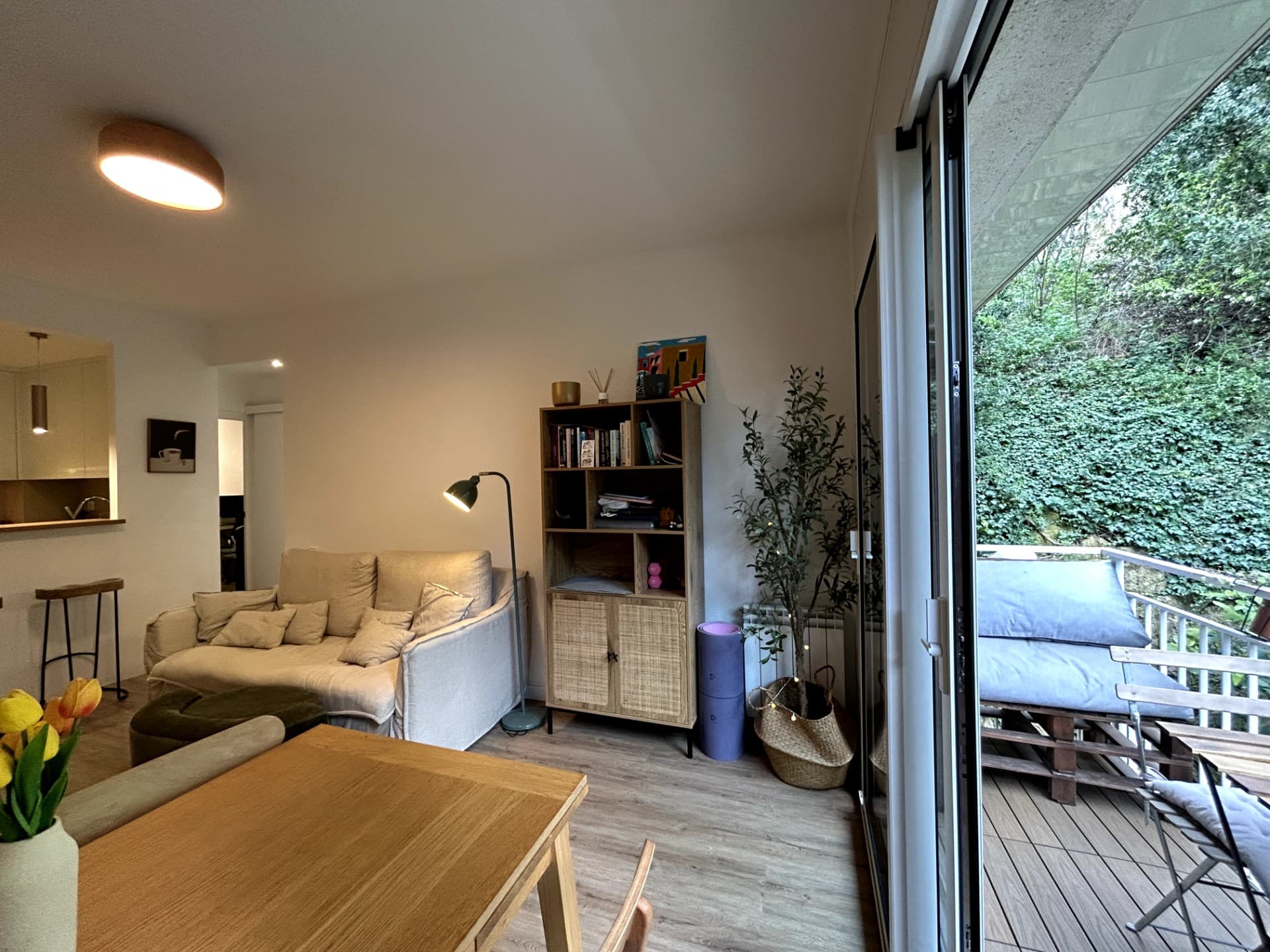
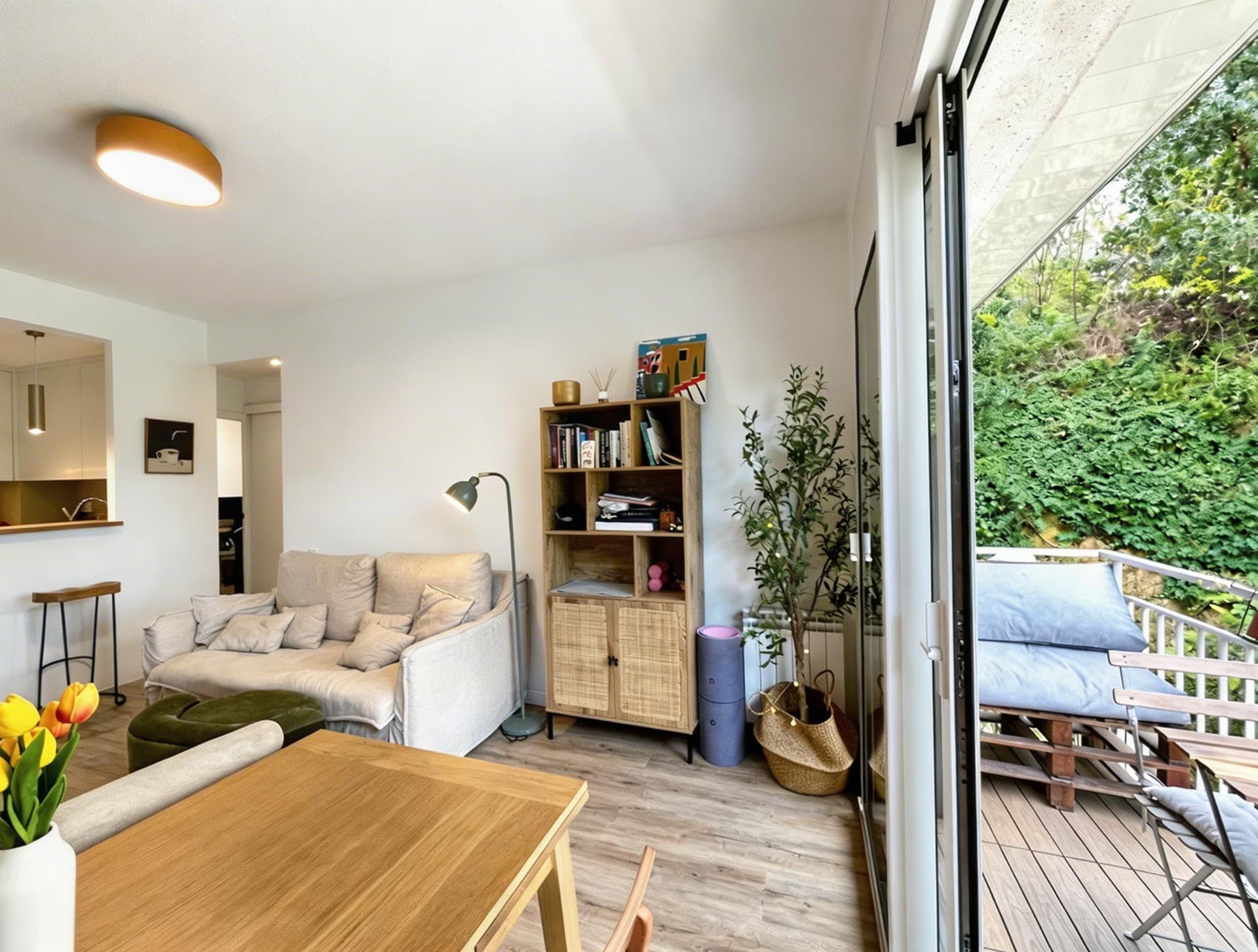




Inmoedit improves the dynamic range of interiors and exteriors so the image looks cleaner, brighter and better balanced.
Improve dark areas and highlights so rooms, windows and exterior views look balanced.
Achieve images with more depth and better rendering of materials, volumes and finishes.
You don't need to take multiple exposures or set up a complex post-production workflow to achieve an HDR look.
Improve living rooms, kitchens and bathrooms where there are often large differences between natural light and dark areas.
Convert smartphone captures into images with a more professional finish ready for marketing.
Maintain a uniform aesthetic across all photos of a property even if they were taken in different lighting conditions.
Comparison between converting a real estate photo to HDR with AI and doing it with a traditional multiple-exposure and manual editing workflow.
| Inmoedit | Manual HDR | |
|---|---|---|
| Working time | Seconds | 20-40 minutes |
| Requires multiple exposures | No | Yes |
| Suitable for non-technical agents | Yes | No |
| Batch processing | Yes | No |
| Consistent results | Yes | No |
Upload an image with harsh shadows or blown windows and get a more balanced HDR result in seconds.