#1 by Real Estate Experts

Remove Watermark from Real Estate Photos

The best tool for removing watermarks from your own or authorized real estate photos. Clean visual material and prepare it for rebranding or a new publication.

Schedule demo

+1000 users love it

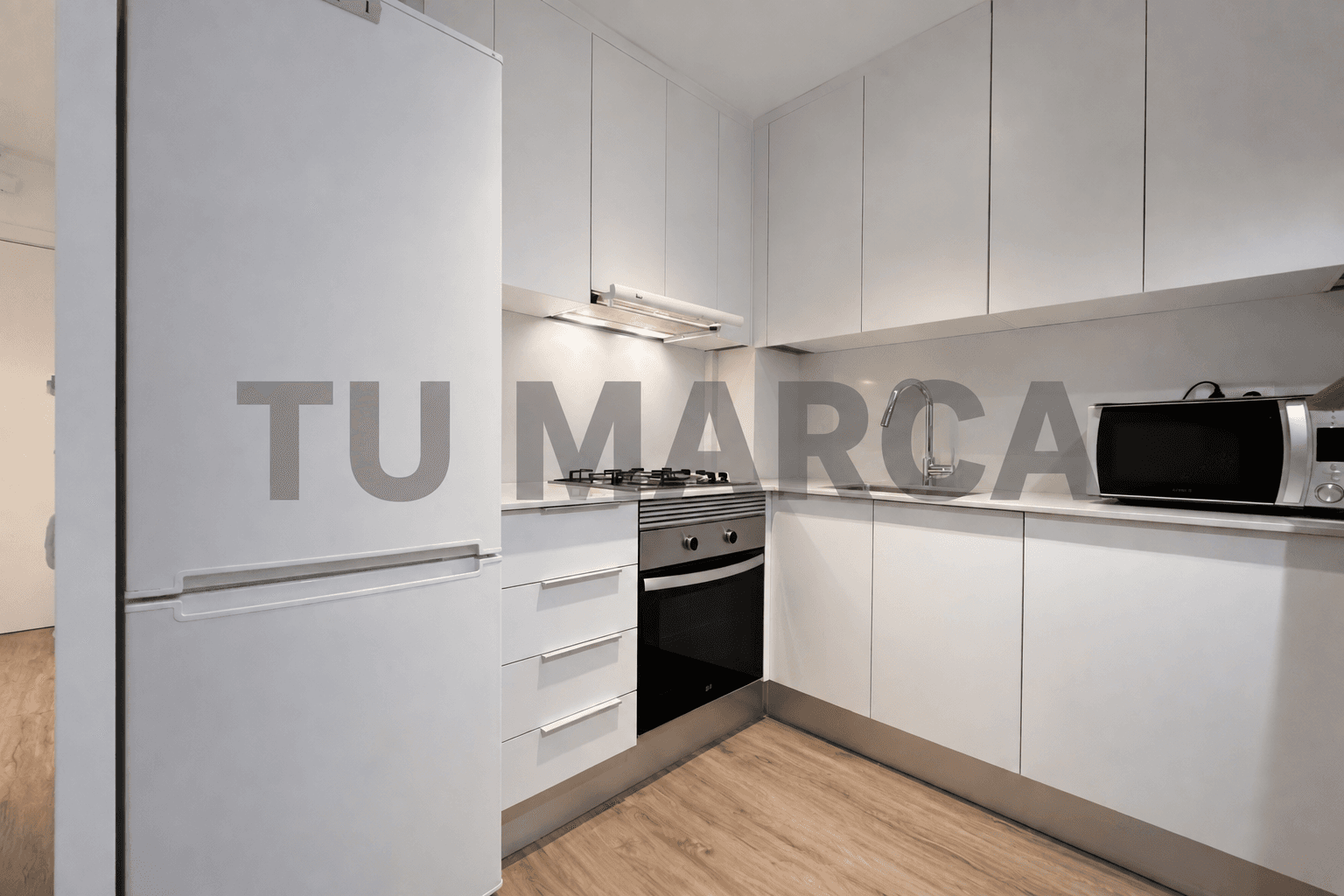
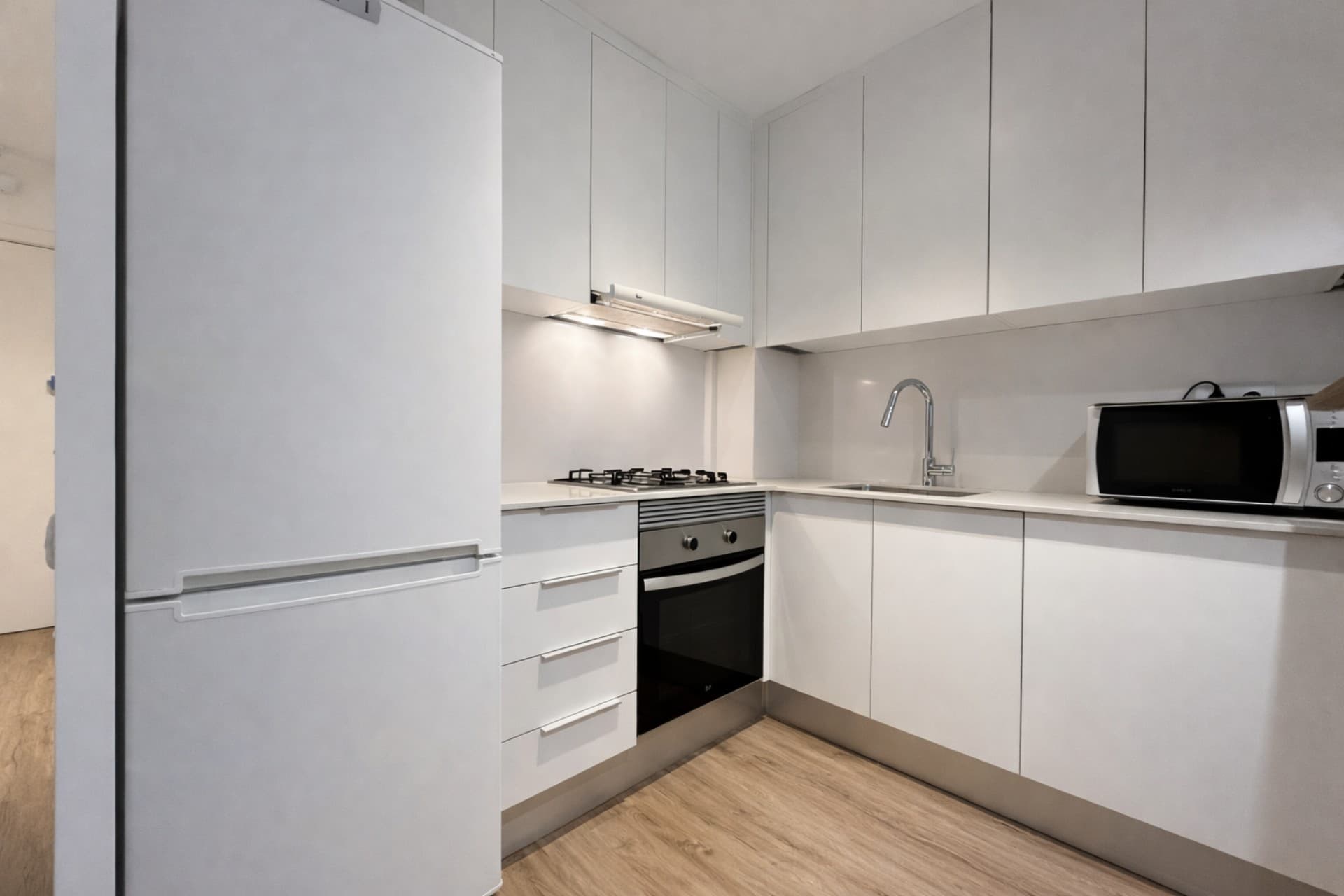
Real estate photo with visible watermarkReal estate photo without watermark after editing

Used by 1000+ real estate agents and industry professionals

Nuevacasa
Barnafinc
InmueblesBCN
Almi Habitatges
API
Nuevacasa
Barnafinc
InmueblesBCN
Almi Habitatges
API
Nuevacasa
Barnafinc
InmueblesBCN
Almi Habitatges
API
Nuevacasa
Barnafinc
InmueblesBCN
Almi Habitatges
API

Remove watermarks and clean your images

Inmoedit helps you prepare visual material for new publications, rebranding or asset reorganization when the images are yours or you have permission to manage them.

Remove old branding

Clean logos, texts or visible marks to adapt the image to an authorized new commercial workflow.

Reuse your own assets

Useful when you recover photos from an old listing, change your brand or redo marketing material.

Keep the scene clean

The AI attempts to reconstruct the marked area so the photo continues to look natural and ready for new editing.

Ready for new branding

Once the photo is clean you can add your own watermark or integrate the image into a new commercial project.

Save time vs manual retouching

Avoid slow processes with generic tools when you just need to clean logos or visible texts.

Integrated with other enhancements

Afterwards you can apply lighting, color, perspective or any other adjustment in the real estate editing workflow.

Remove watermarks with AI vs manual retouching

Comparison between using Inmoedit and resorting to manual processes such as cloning or traditional editing to clean branding from an image.

InmoeditManual retouching
Time per photoSeconds10-30 minutes
Requires advanced knowledgeNoYes
Integrated with the rest of the workflowYesNo
Ready for rebrandingYesYes
Scalable for teamsYesNo

Remove watermarks from authorized images

Clean your own visual material or material with reuse permission and prepare it for a new publication or rebranding.

FAQs

Frequently Asked Questions

It is used to recover visual material within a legitimate work process, for example in rebranding, asset reorganization, material migration or reuse of owned or authorized images.

Inmoedit is designed to clean visual material within a legitimate work process. If you're looking for software to remove watermarks from your own or authorized images and then continue editing or rebranding them, it fits that use very well.

To remove a watermark from a real estate photo, upload the image to Inmoedit and apply the cleaning to the area where the logo or text appears, always when working with your own or authorized material. You can then continue editing the photo, apply your current branding or integrate it into a new commercial project.

No. It should only be used with your own images or material you have permission to use or manage. It is not a feature for appropriating third-party photos without authorization.

Yes. In fact, one of the most common uses is to clean previous branding and then apply your agency's or studio's current brand with your own watermark.

That is the goal. Inmoedit attempts to reconstruct the affected area so the result remains clean, consistent and ready to continue editing or publishing within a legitimate commercial workflow.

Yes. After removing a watermark you can apply lighting improvement, color, perspective, new branding or any other available editing in Inmoedit.

It is commonly used in rebranding, recovery of owned assets, listing migrations, re-publication of properties or reorganization of visual material when an agency needs to rework images that have already gone through another workflow.

The main advantage is time savings. Instead of relying on manual cloning or slow editing in external tools, you can clean the image much faster and immediately integrate it into your project and the rest of the editing workflow.

Yes, as long as you are working with your own or authorized images. It is a logical workflow when you import material from Idealista or Fotocasa and need to adapt it to a new commercial phase.