Inmoedit

Improve all your real estate photos at once, automatically with AI

Your photos ready to publish in seconds: enhance your photos and automatically merge bracketed RAW series.

Schedule demo

Loved by 1000+ agents

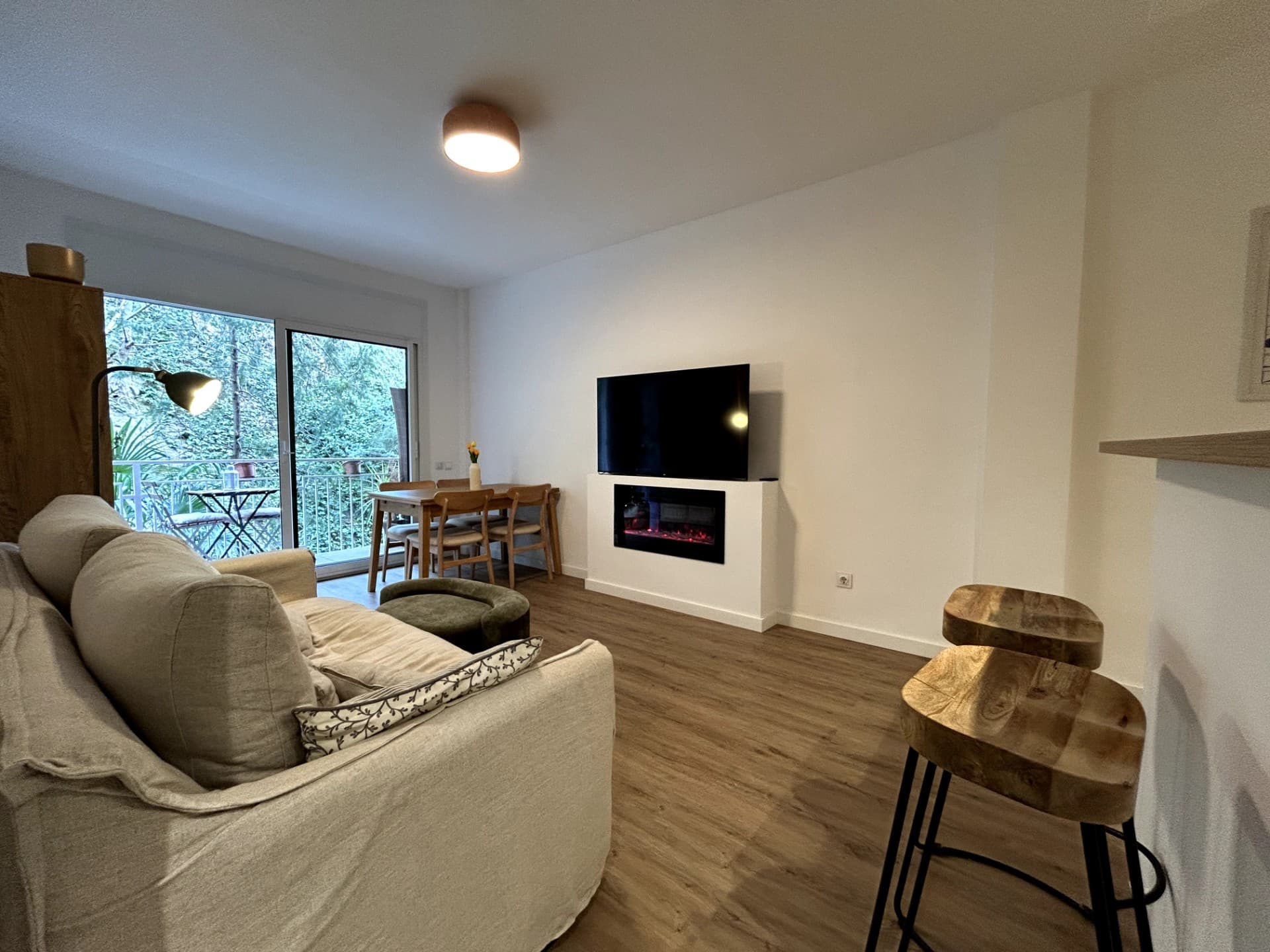
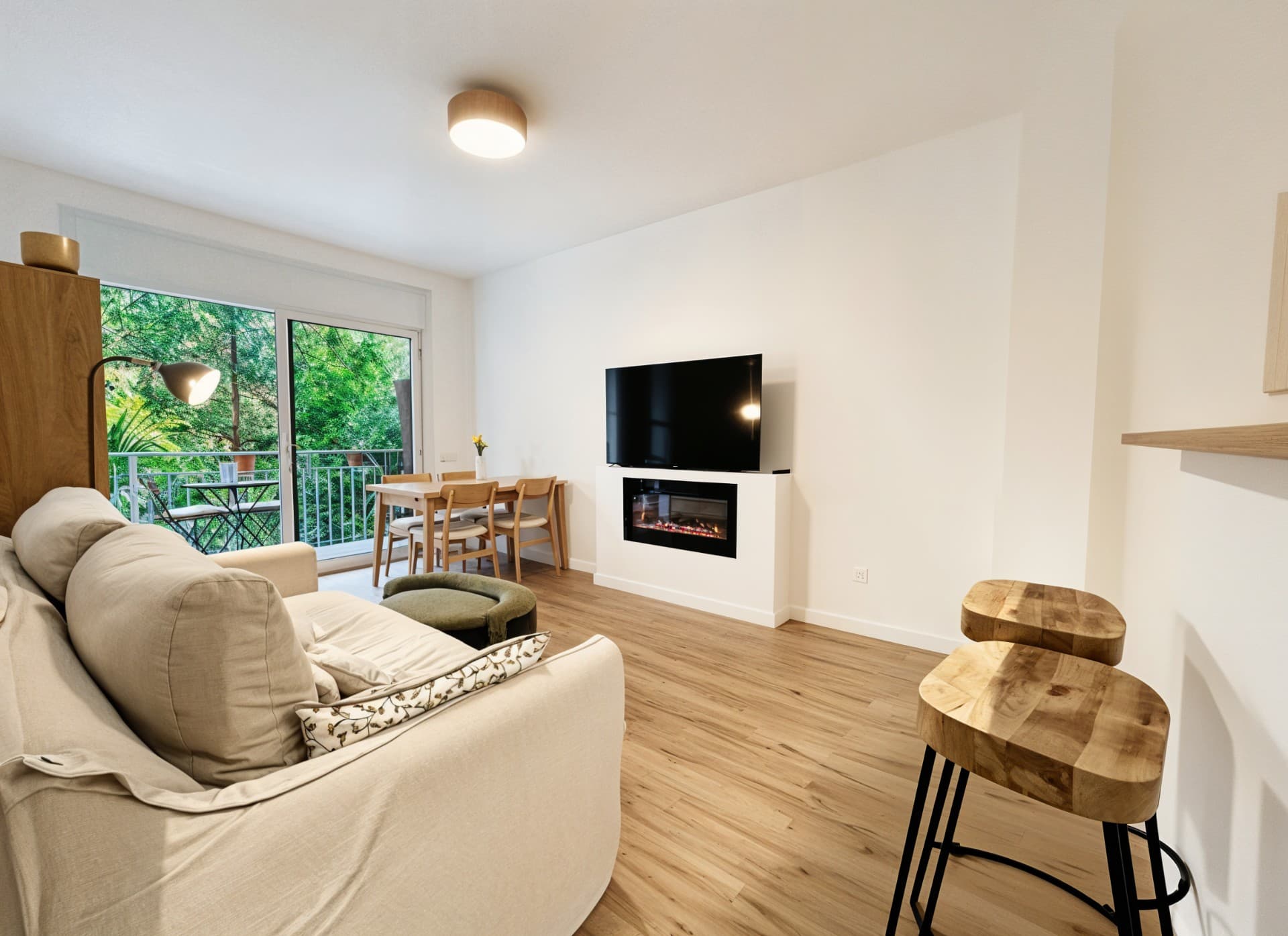
Dimly lit living room before enhancing the real estate photoLiving room with balanced lighting and color after automatic enhancement

Used by 1000+ real estate agents and industry professionals

Nuevacasa
Barnafinc
Almi Habitatges
Arroka Inmobiliaria
Nuevacasa
Barnafinc
Almi Habitatges
Arroka Inmobiliaria
Nuevacasa
Barnafinc
Almi Habitatges
Arroka Inmobiliaria
Nuevacasa
Barnafinc
Almi Habitatges
Arroka Inmobiliaria

Improve a complete real estate photo shoot in three steps

Work with multiple photos in the same project and avoid repeating the same corrections image by image.

1. Upload all your photos

Create a project and upload the property's interior, exterior and detail shots together.

2. Select the enhancements

Choose the photos to process and select lighting, white balance, HDR, perspective, sky and other corrections.

3. Review and download

Compare every result with the original, keep the best versions and prepare the gallery for publishing.

Auto-enhancement built for real estate photography

Every room has different lighting and needs. Inmoedit analyzes each selected image individually to keep results natural and consistent.

Balanced lighting and colors

Brighten interiors, correct color casts and improve contrast so walls, floors and materials look cleaner.

Improve lighting

White balance

Reduce overly yellow or blue tones and achieve more neutral whites across different rooms.

Correct whites

More natural perspective

Gently straighten leaning verticals and correct visible framing issues in architectural photos.

Correct perspective

Windows and dynamic range

Balance interiors and outdoor views when a single shot has deep shadows or overly bright areas.

Improve HDR

More appealing exteriors

Detect when an exterior would benefit from a cleaner sky and improve its presentation without changing the property.

Improve exteriors

RAW bracket merging

Process series of 3 to 5 exposures, automatically group each scene and create an HDR image with more real detail.

Merge brackets

Results from real estate photo enhancement

See how different property photos change when each one receives the right correction.

Dark living room before enhancing the real estate photo lightingBright living room after automatically enhancing the photo

More light without losing a natural look

Restore clarity and color in dull interiors so the room is easier to understand.
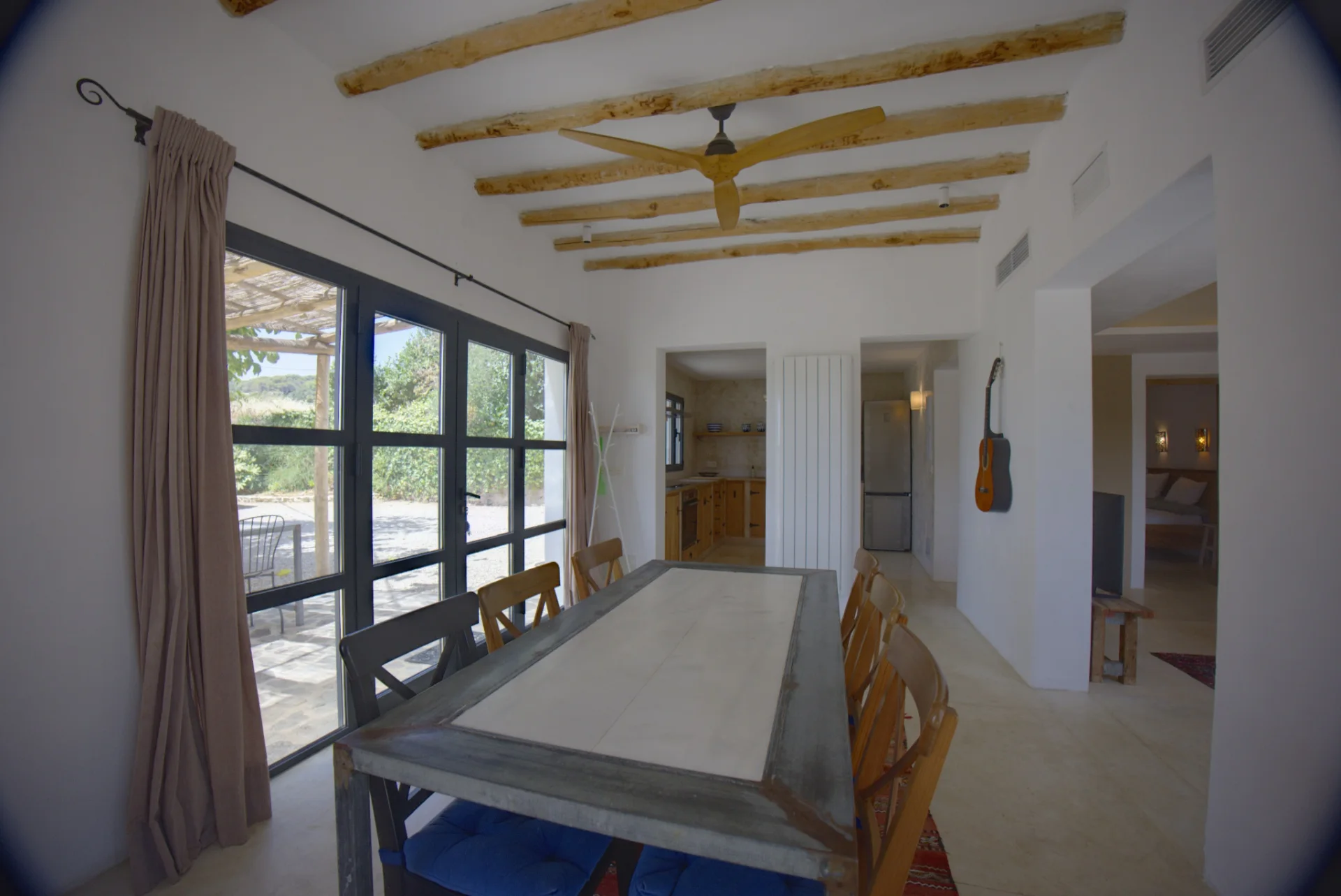
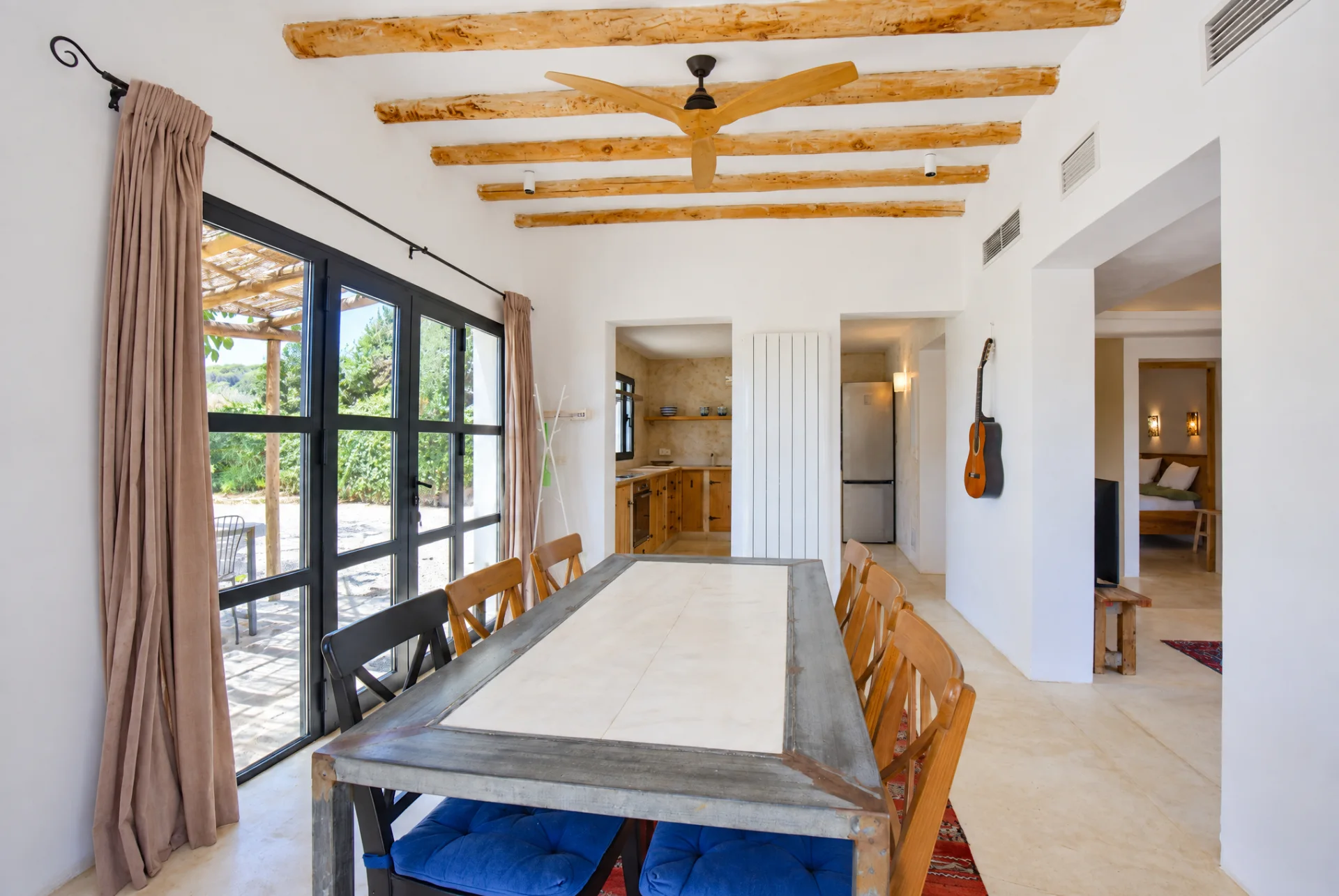
Dining room with distorted perspective before correctionDining room with natural perspective after correction

Straight verticals and believable proportions

Correct tilts that make walls and frames look crooked in the listing.
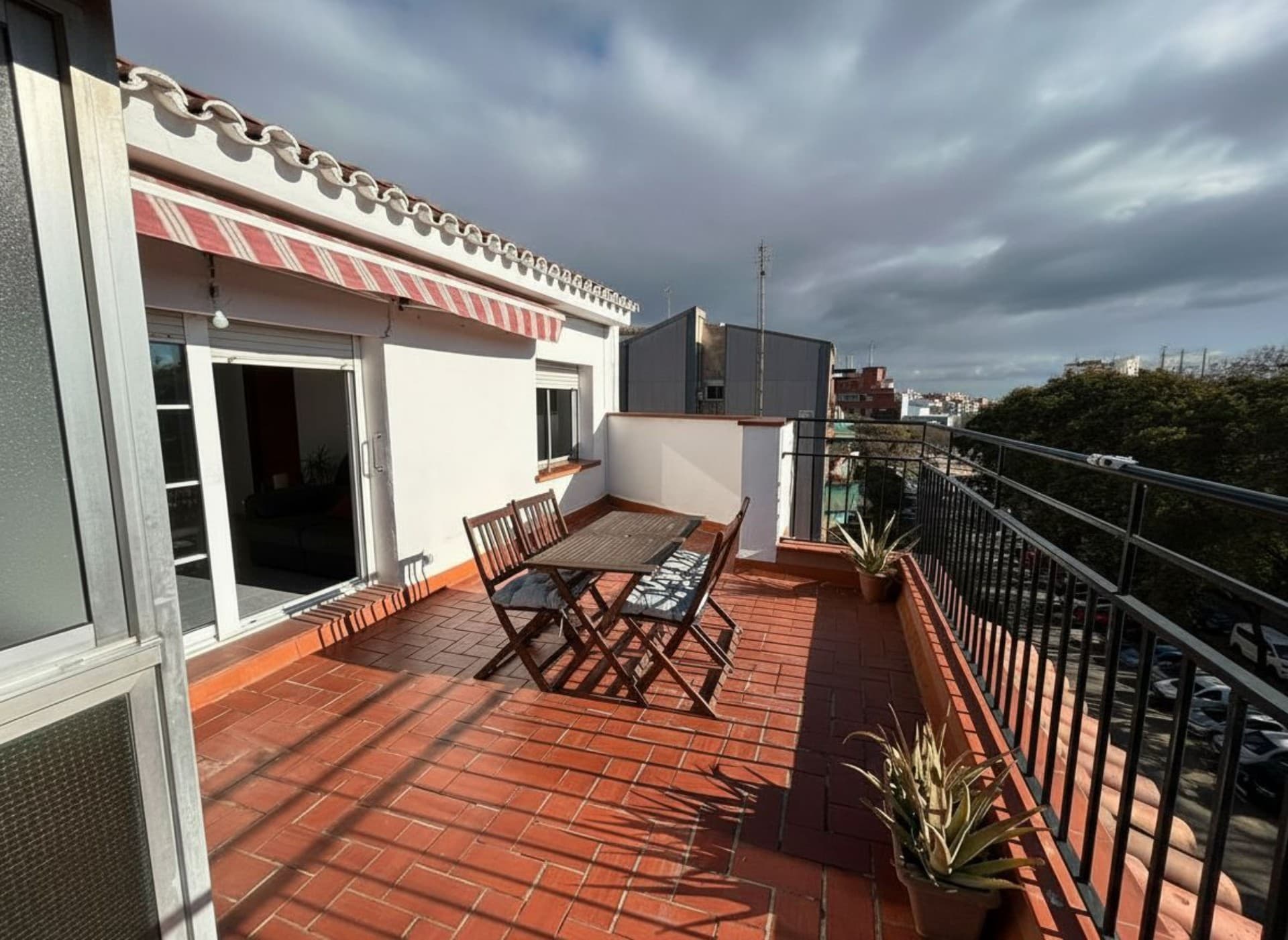
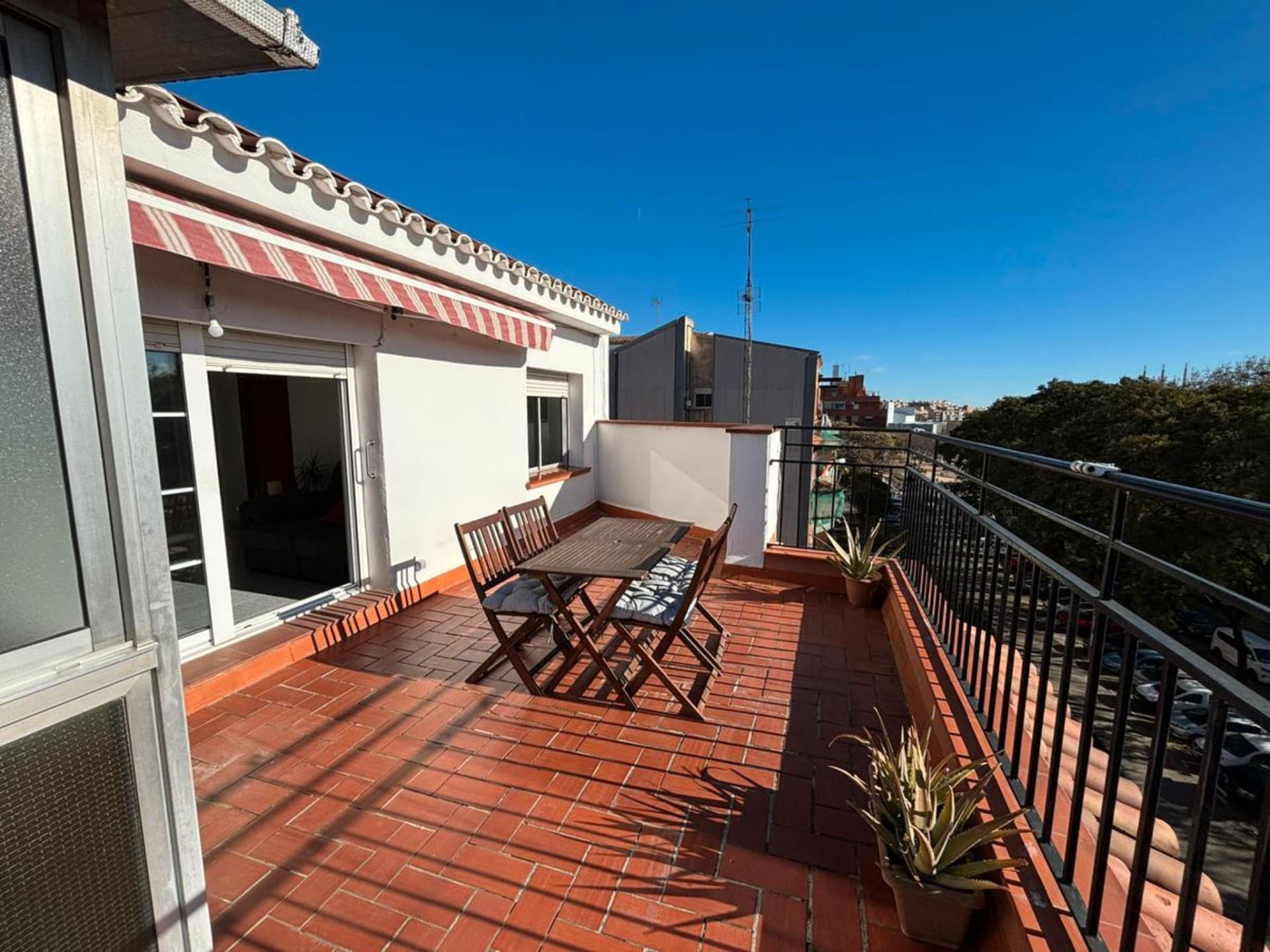
Facade with a gray sky before enhancing the exterior photoFacade with a blue sky after enhancing the exterior photo

Exteriors ready to publish

Improve a gray sky when appropriate while keeping the facade, garden and architecture untouched.

AI auto-enhancement vs editing photo by photo

A workflow designed to prepare complete galleries with fewer repetitive tasks and without applying the same filter to every image.

InmoeditPhoto-by-photo editing
Photos processedMultiple selected photosOne at a time
Analysis of each imageAutomaticManual review
Lighting and white balanceIn the same processAdjustment by adjustment
Perspective, sky and HDROnly when appropriateManual decision
RAW bracket groupingAutomaticSeries by series
Originals availableYesDepends on the workflow

Improve the photos of your next property

Upload the shoot, select the images and prepare a brighter, more consistent and professional gallery in much less time.

FAQs

Frequently asked questions

Create a project in Inmoedit, upload the property photos, select the ones you want to process and choose the enhancements. The AI analyzes each image and creates a new version with the applicable corrections, which you can compare with the original before downloading.

You can improve lighting, exposure, color, white balance, perspective, dynamic range and skies, as well as other common aspects of real estate photography. For more specific transformations, such as removing objects or changing materials, use the real estate photo editor.

Yes. You can select multiple photos from the same project and apply auto-enhancement in one action. This lets you prepare the complete shoot without opening and manually editing every file separately.

No. You choose the available enhancements, but Inmoedit analyzes each image to decide which ones are appropriate for its content. An exterior may need a better sky, while an interior may require perspective or window correction.

Yes. The HDR bracketing merge workflow supports series of 3 to 5 RAW exposures. Inmoedit analyzes up to 250 files in one upload, separates compatible series and merges each scene.

No. You can improve a single photo from a camera or phone. Bracketing is useful when contrast is extreme and you want to preserve more real detail in windows and shadows. If you only have one shot, you can enhance it with HDR without reshooting.

The bracketing tool supports Canon CR2 and CR3, Nikon NEF, Sony ARW, DNG, Fujifilm RAF, Panasonic RW2 and Olympus ORF files.

Yes. Enhancements are saved as new versions within the project, so you can review the result while keeping the original image available.

That is the goal. Enhancement balances lighting, whites, color and architectural lines without changing the property's layout or real features. It is always best to review the complete gallery before publishing.

Yes. You can download the photos and use them on property portals, your agency website, social media or presentations. Technical enhancements should respect the property's real condition, and virtual transformations should be identified whenever they could be mistaken for reality.

Auto-enhancement uses one credit for each photo processed. Before you confirm, Inmoedit shows the total cost for the number of images selected.